Your VIT life.
One app.
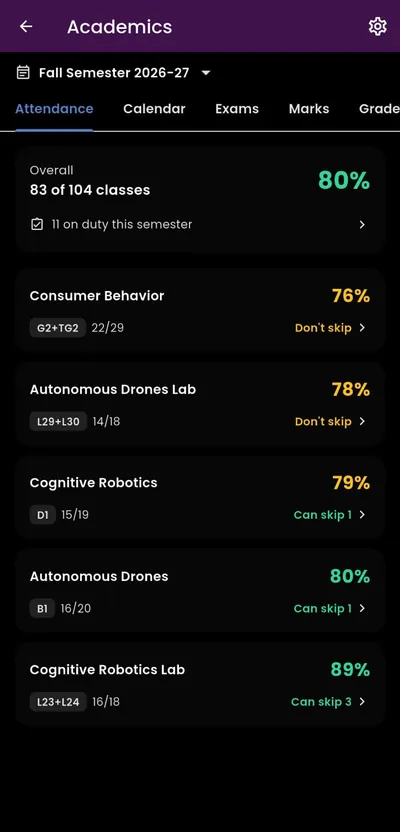
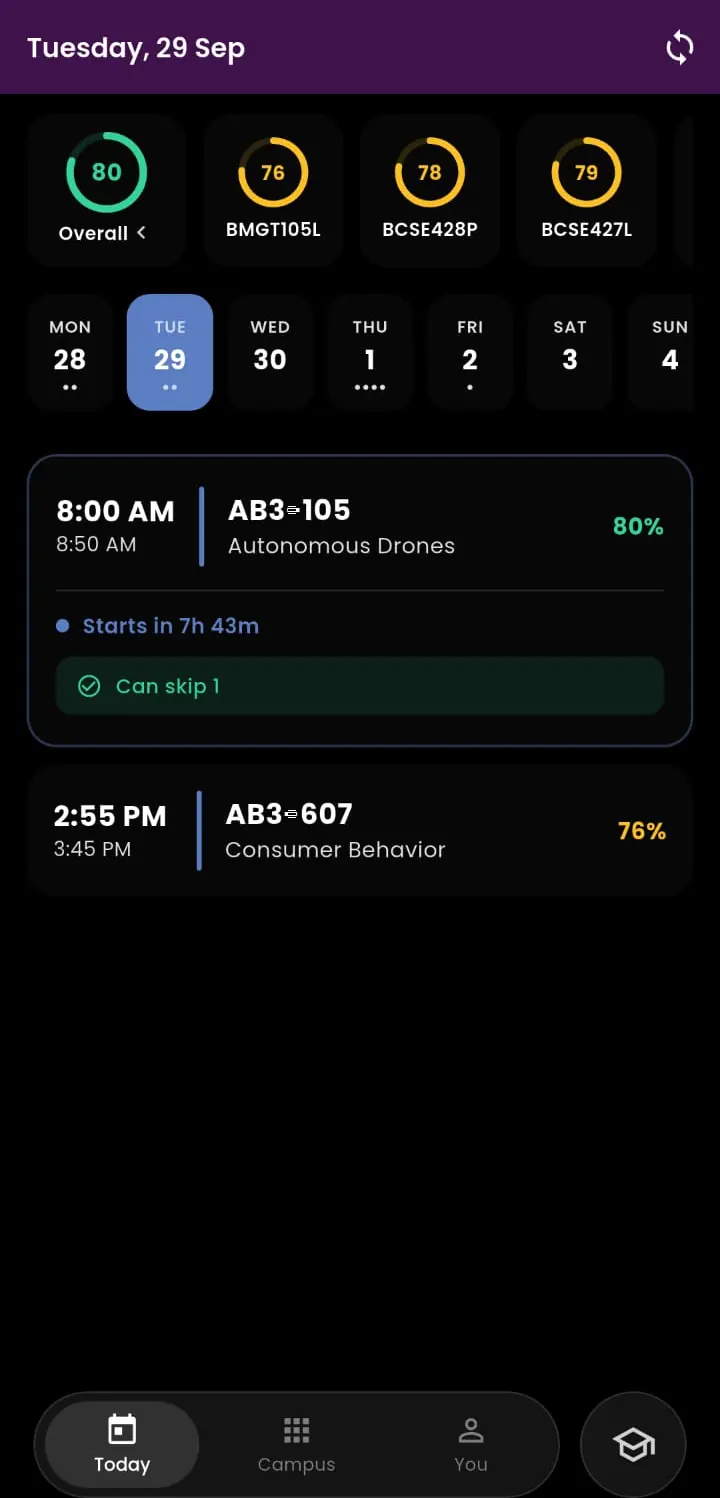
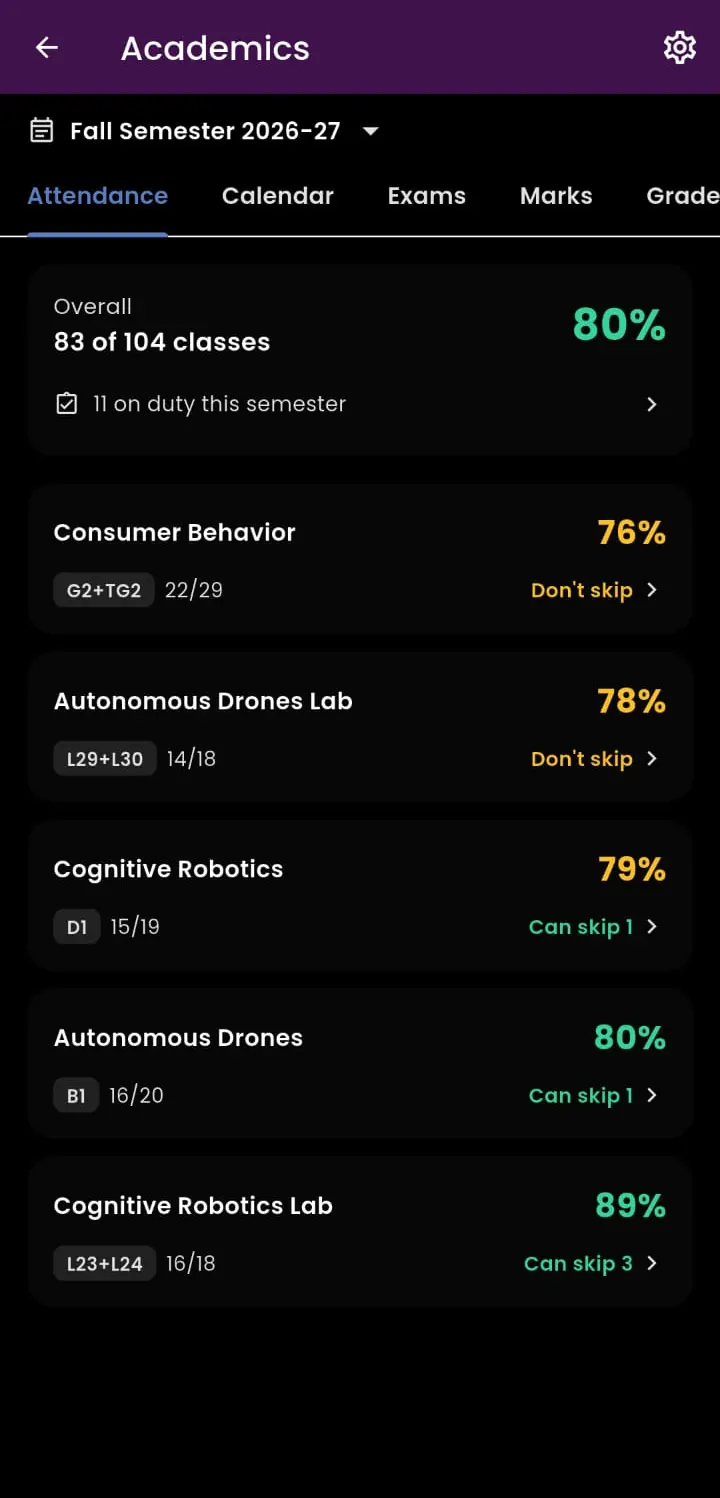
Attendance, exams and marks from VTOP, next to everything else you use on campus.
Get VHELP01 — Academics
VTOP, synced.
- TodayYour classes and rooms
- AttendanceWhat you can skip
- CalendarEvery working day
- ExamsRoom and seat
- MarksCGPA and credits
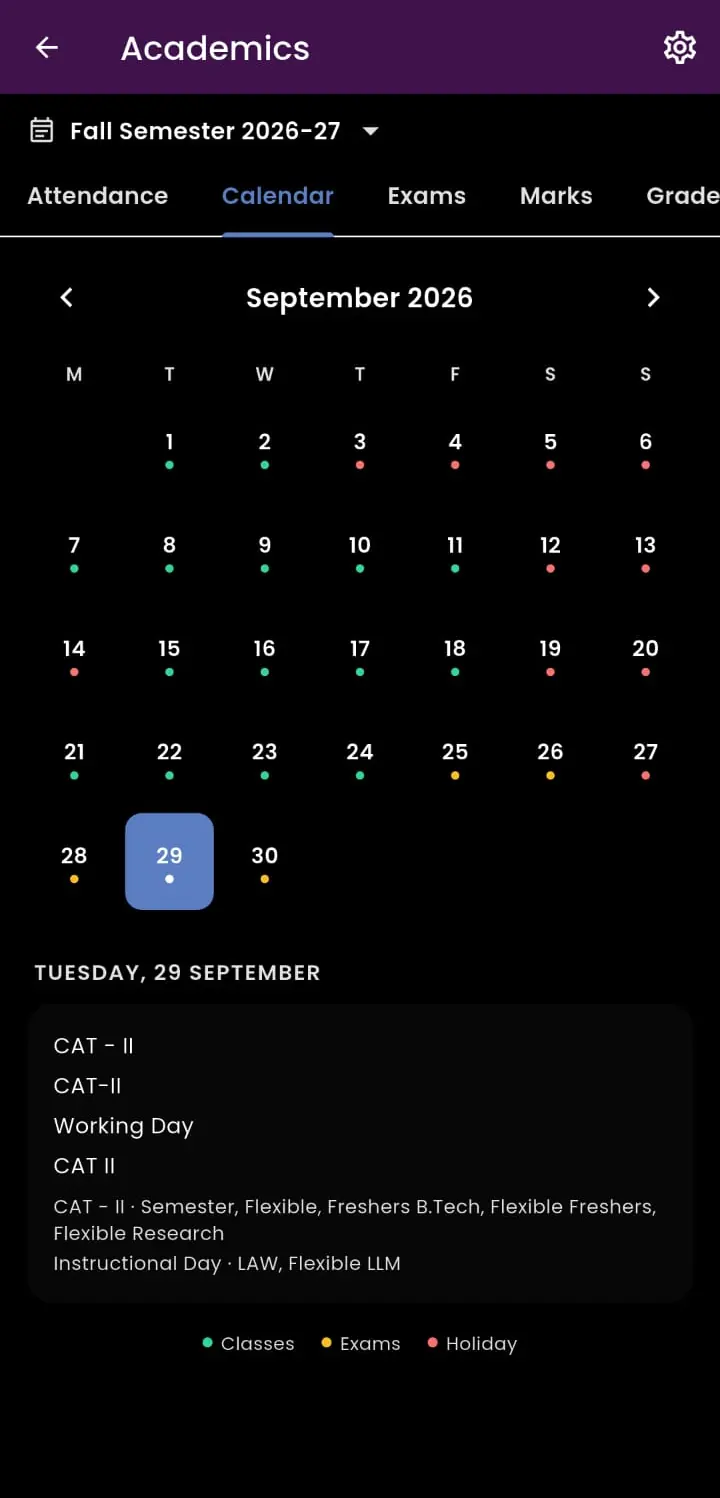
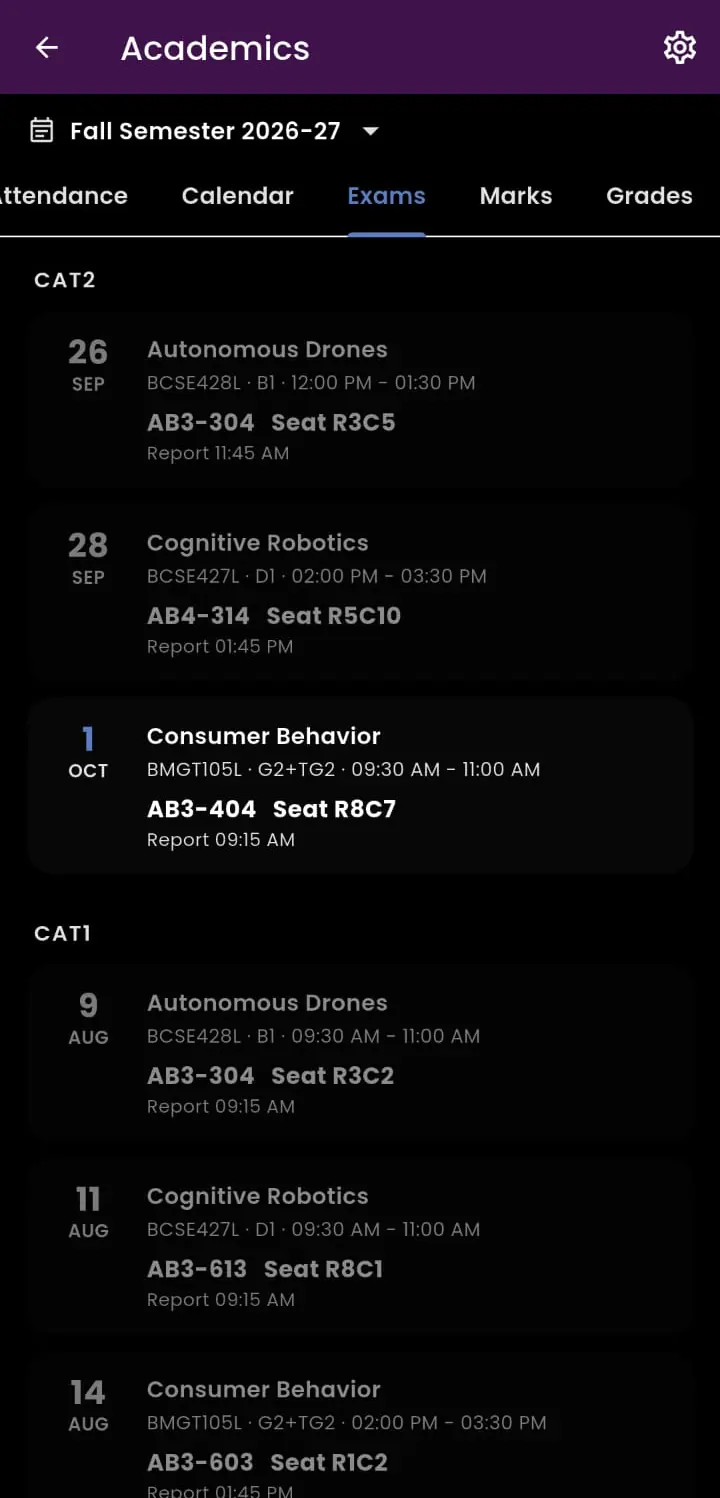
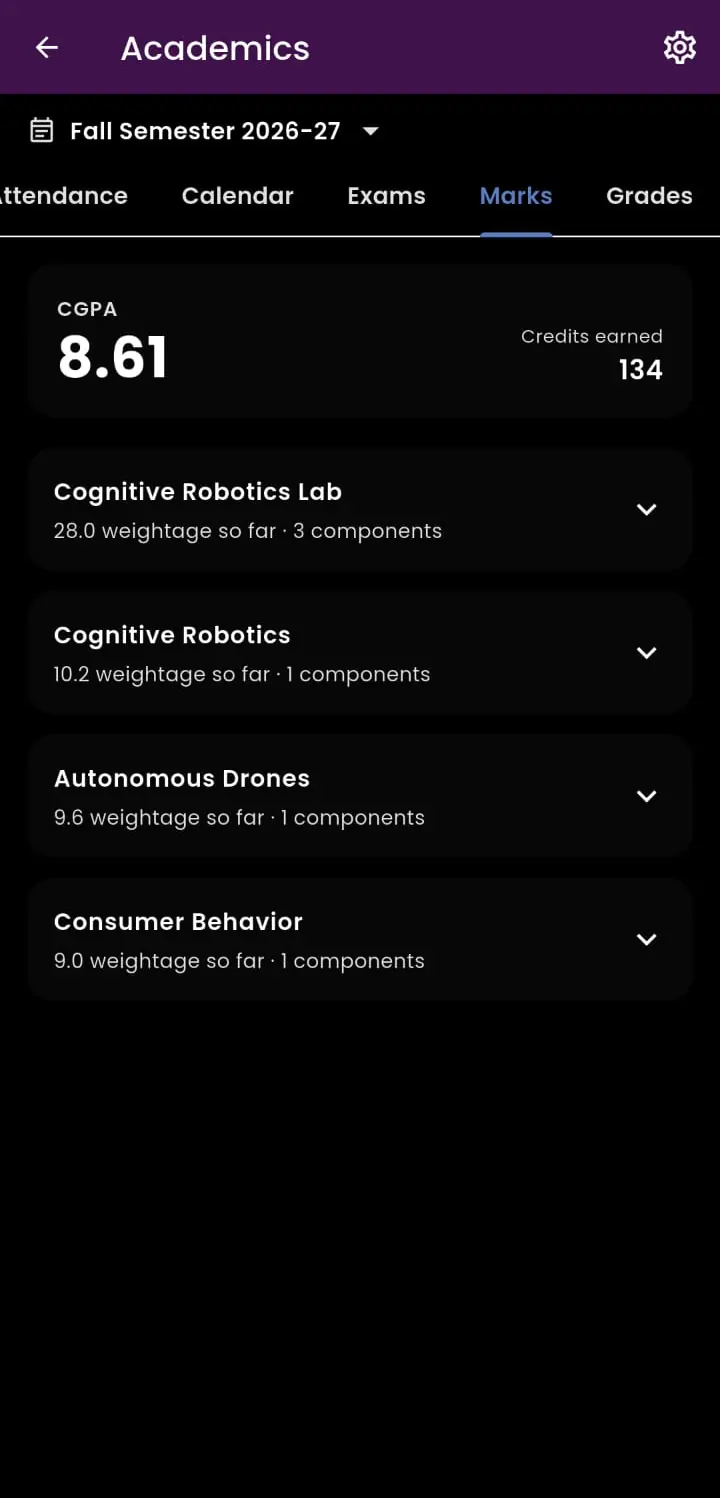
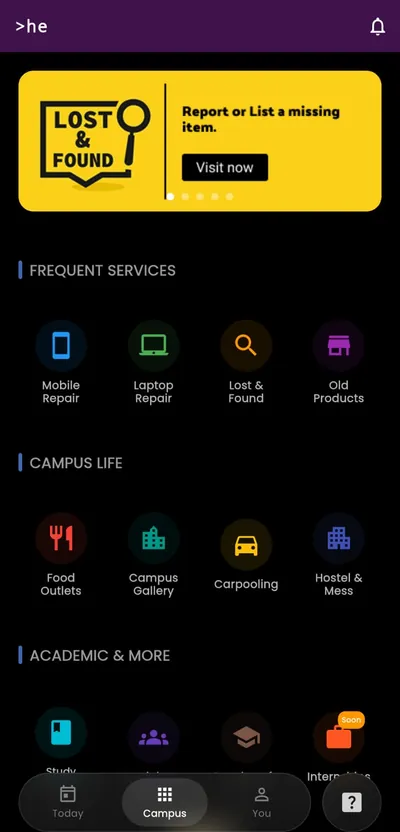
Attendance. Exams. The mess menu. A cracked screen. A lost AirPod. Everything a VIT student checks in a day — in one app.
02 — Campus
Around campus.
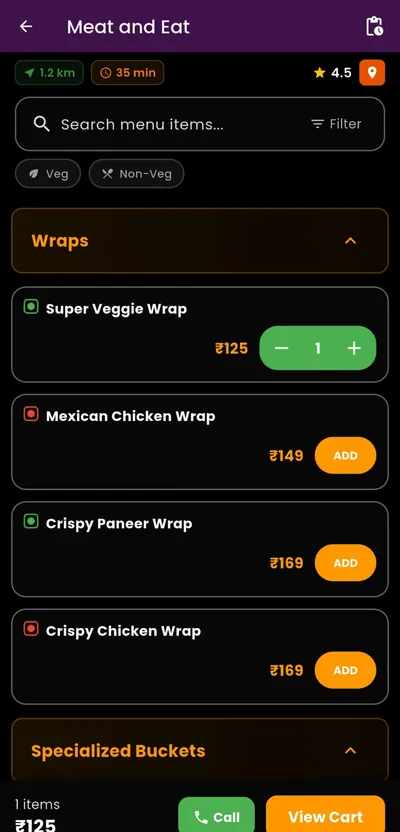
Food outlets
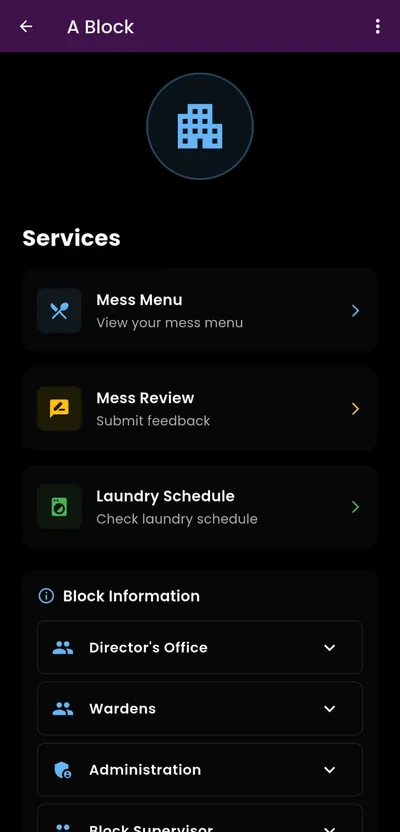
Hostel & mess
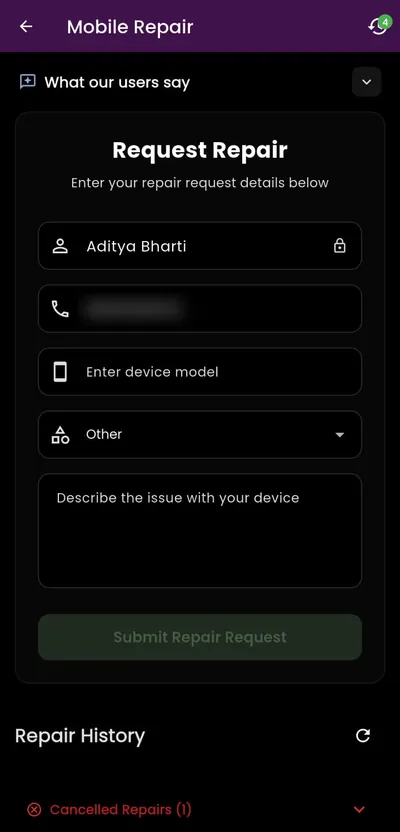
Repairs
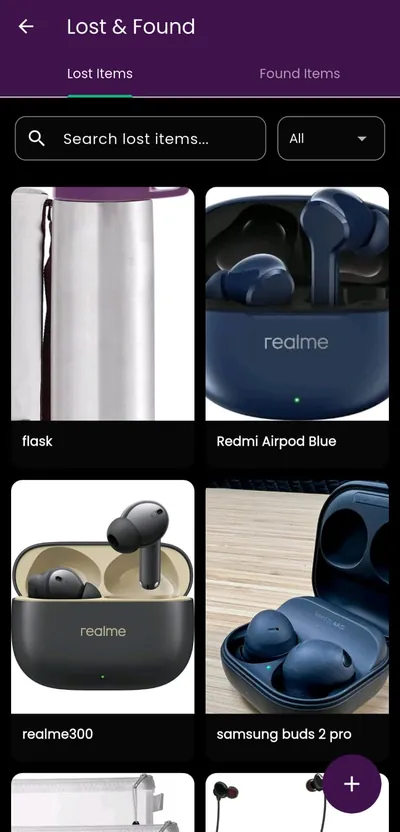
Lost & found
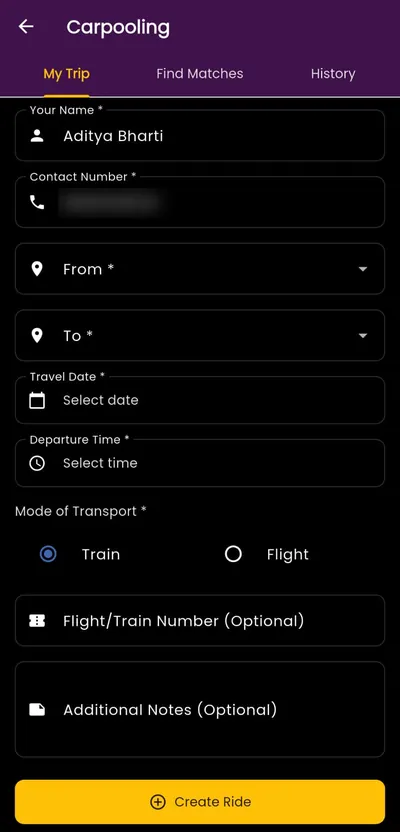
Carpooling
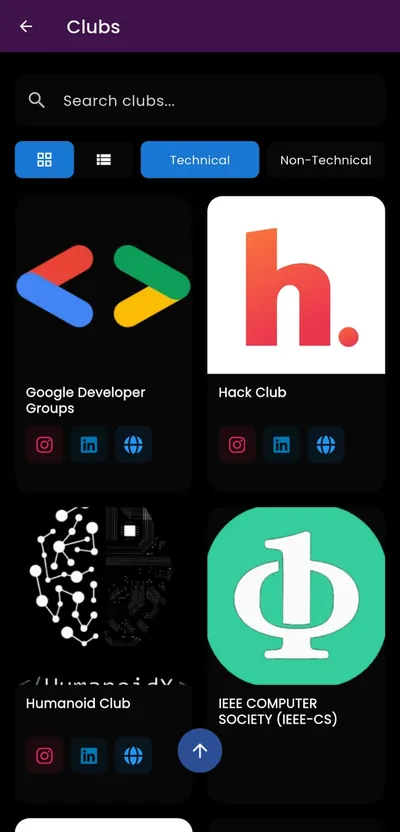
Clubs
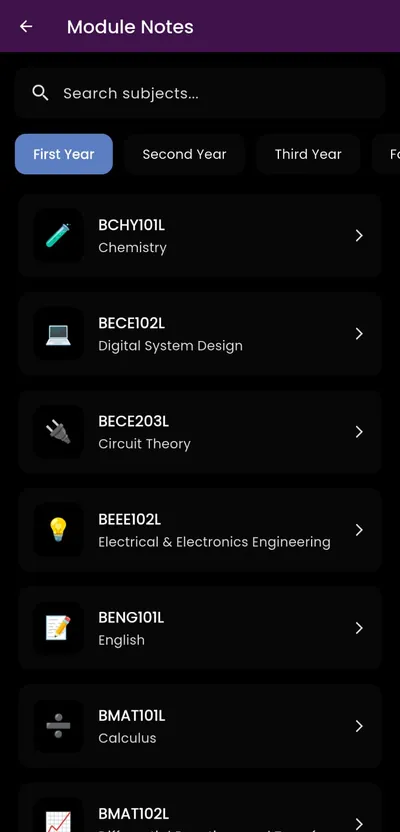
Study material
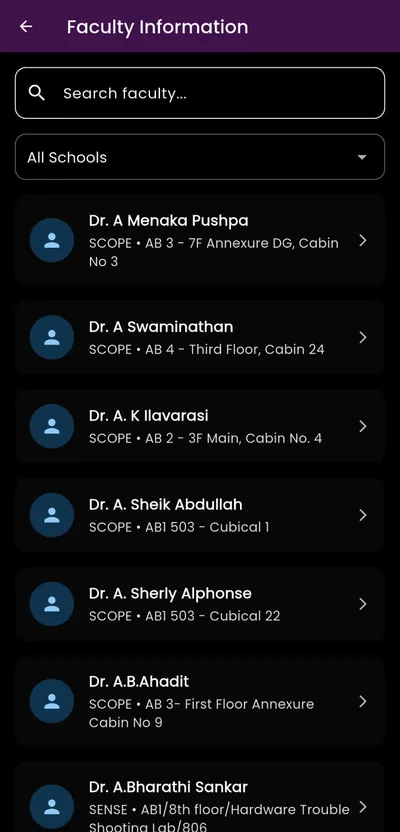
Faculty
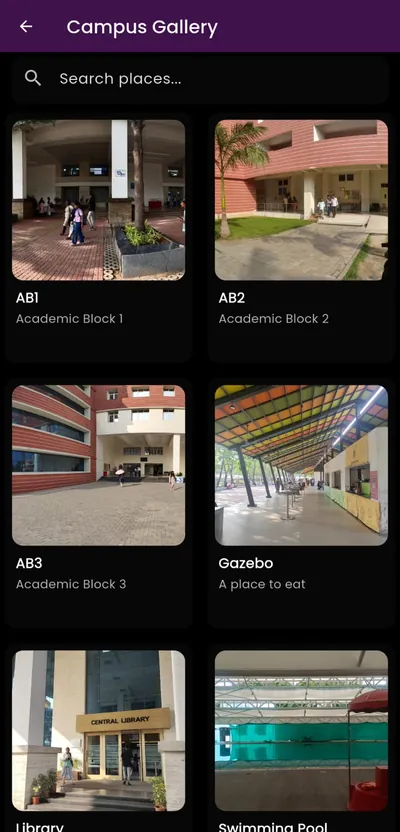
Campus gallery
Private by design
Connect VTOP once.
Your password never leaves your phone.
03 — Updates
Still being built.
- v1.3.10 · Sep 2026Preview modeTry the academic screens with sample data before connecting.
- v1.3.0 · Aug 2026VTOP integrationAttendance, calendar, exams, marks and grades.
- SoonInternshipsAlready waiting on the Campus tab.
04 — Live demo
Try it.
Right here.
The real app, running in your browser with sample data. Tap around — nothing you do is saved.
Open in a new tab05 — FAQ
Questions
Is VHELP official?
No. It's an independent project built by VIT Chennai students, not affiliated with the university.
What happens to my VTOP password?
It's stored only on your phone, in the device keystore, and never sent to our servers. VHELP keeps the synced results (attendance, marks, schedule) so they show up in the app. Disconnect anytime from Account settings.
Is it free?
Yes.
Is there an iPhone version?
Not yet — VHELP is Android only for now.
How do I install and update it?
Tap Get VHELP, open the downloaded file and install it — Android may ask you to allow installs from your browser. When a new version is out, the app tells you. On an older 32-bit phone, pick Older phones in the download options.
How do I sign in?
With your VIT student email.